Installed base
Customers, installation locations, equipment, components, serial numbers, documents and photographs in one navigable structure.
Installed equipment & after-sales workspace
EquipSpan brings customer locations, installed equipment, serial numbers, service requests, visits, evidence, maintenance and next actions together in one practical workspace.
For small businesses that install equipment at customer sites and continue to support it. Not a consumer warranty tracker or a full field service suite.
One shared operational record
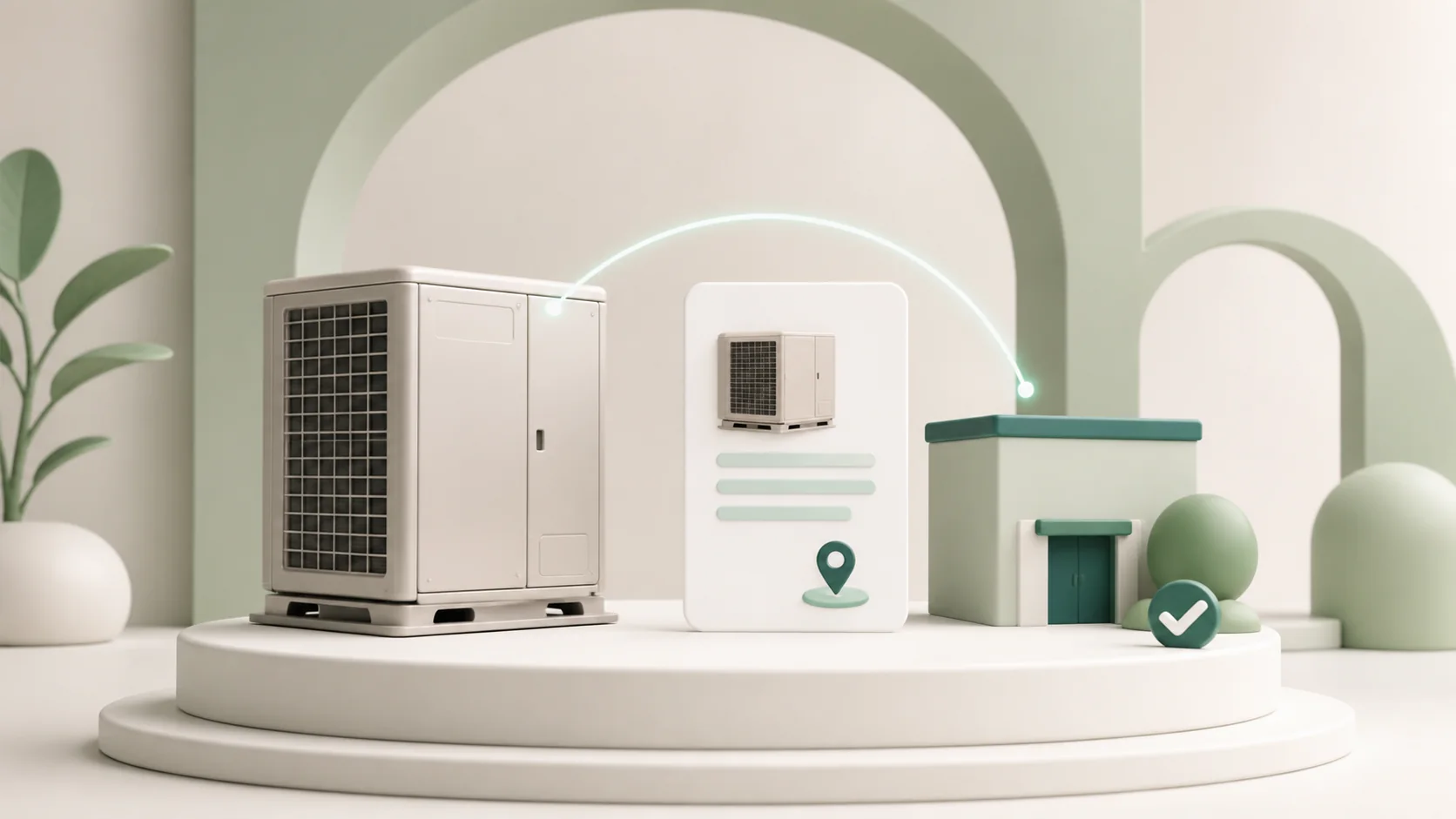
The equipment record brings together the information that is otherwise scattered across photographs, spreadsheets, email and closed job notes.
The operational gap
A customer calls about a unit installed years ago. The serial is in a photo, previous work is in old notes and nobody knows whether the next action is covered, billable or recoverable.
One continuous record
EquipSpan starts with the physical unit and preserves context across office decisions, field work and later commercial follow-up.
Customers, installation locations, equipment, components, serial numbers, documents and photographs in one navigable structure.
Manual coverage records, source evidence, revisions, service requests, visits and decisions preserved on the equipment timeline.
Internal requests or secure customer intake, priority, responsibility, next action, target date and a separate treatment log.
Optional visits, mobile preparation, checklists, contextual photographs, notes, signatures and regional PDF service reports.
Mobile execution when a visit is needed
A service request does not force a visit. When field work is appropriate, the assigned technician receives the equipment context, checklist and evidence requirements on the same phone or tablet used to complete the work.
Follow the complete workflow →A record that stays useful
Each section explains a part of the operational record that EquipSpan keeps connected around the installed unit.
Connect the customer, site, serial and operating context around one physical unit.
Visits, findings and outcomes add to the same story instead of disappearing into closed jobs.
Keep photographs, documents and supporting material close to the equipment they describe.
Plan maintenance and follow-up without losing sight of what the team needs to do next.
Record the team’s assessment and the available evidence; legal decisions remain human decisions.
Keep claim evidence and supplier follow-up visible after the repair is complete.
Office and field colleagues work from the same equipment context on any supported device.
A practical fit
EquipSpan serves small technical businesses that leave identifiable equipment at customer locations and remain responsible for the after-sales work.
Use cases
The core records and workflow stay the same, while the equipment, components, evidence and recurring work reflect each operation.
For small HVAC, refrigeration and heat-pump businesses that install equipment and continue supporting it at customer sites.
Explore this use case →For generator and UPS teamsFor small installation and service teams that support generators, UPS systems and related equipment after handover.
Explore this use case →For commercial kitchen serviceFor small teams that install or service identifiable commercial kitchen and refrigeration equipment at customer locations.
Explore this use case →Straightforward plans
Customers, installation locations and installed equipment are unlimited. Every plan begins with a complete 21-day trial, with no payment card required.
Common questions
Understand the product boundary, mobile workflow, trial and data model without booking a sales call.
EquipSpan is a shared workspace for small businesses that install or service identifiable equipment at customer sites. It connects customers, locations, installed units, service requests, visits, evidence, maintenance, coverage records and next actions.
EquipSpan is designed for small installation and maintenance teams that continue to support equipment after handover. Typical users include HVAC and refrigeration companies, generator and UPS specialists, commercial kitchen service teams and other technical businesses that manage serialised equipment and recurring after-sales work.
No. EquipSpan covers the installed-equipment record and the after-sales work around it. It does not replace fiscal accounting, payroll, advanced dispatch and route optimisation, full inventory control or an enterprise maintenance platform.
No. A request can be recorded, assigned, investigated and resolved without a site visit. If field work is needed, the visit is scheduled from the same request so the original context remains attached.
Yes. An authorised user can create a secure, time-limited link for a customer location. The customer reports the issue without creating an account, and EquipSpan adds it to the team’s request inbox for review.
No. The business records and reviews coverage manually. EquipSpan keeps the relevant dates, documents, notes and source evidence together, but it does not determine legal warranty rights.
Practical next steps
These resources explain the three most common starting points without sending every visitor through the same navigation path.
Keep each supported unit, site, documents and next action connected.
See the past work and evidence before the next decision.
Start with a practical CSV for sites, units, serials and next actions.
Ready for real records
Create your workspace without a card, load the optional sample data or enter your first real record, then follow the practical manual at your own pace.