Frequently asked questions
Understand EquipSpan before you create a workspace.
Clear answers about the product, its data model, trial, pricing, regional formats and deliberate boundaries.
What is EquipSpan?
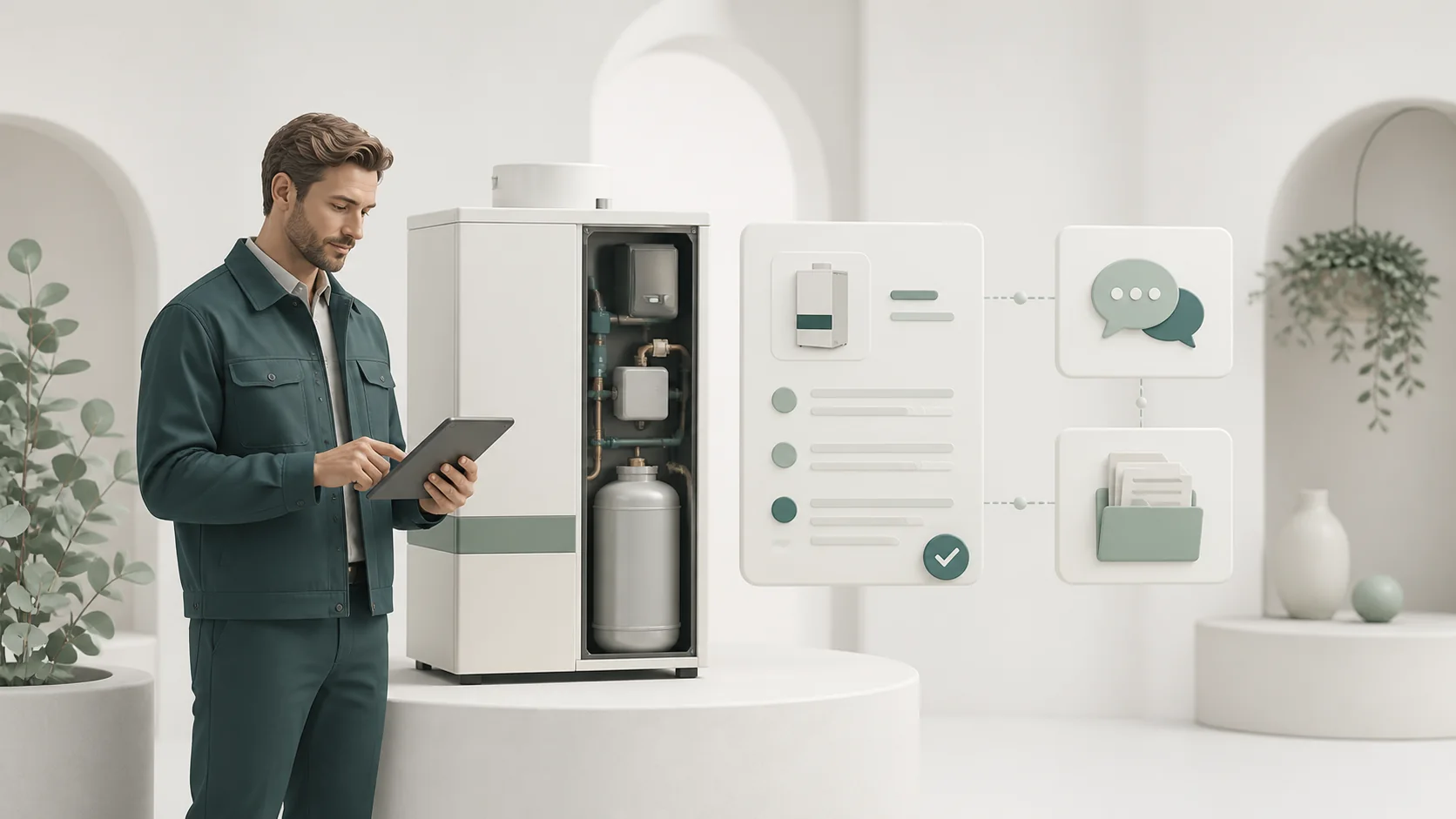
EquipSpan is a shared workspace for small businesses that install or service identifiable equipment at customer sites. It connects customers, locations, installed units, service requests, visits, evidence, maintenance, coverage records and next actions.
Who is EquipSpan for?
EquipSpan is designed for small installation and maintenance teams that continue to support equipment after handover. Typical users include HVAC and refrigeration companies, generator and UPS specialists, commercial kitchen service teams and other technical businesses that manage serialised equipment and recurring after-sales work.
Does EquipSpan replace an ERP, CRM or field service suite?
No. EquipSpan covers the installed-equipment record and the after-sales work around it. It does not replace fiscal accounting, payroll, advanced dispatch and route optimisation, full inventory control or an enterprise maintenance platform.
Does every service request require a visit?
No. A request can be recorded, assigned, investigated and resolved without a site visit. If field work is needed, the visit is scheduled from the same request so the original context remains attached.
Can a customer report a problem without an EquipSpan account?
Yes. An authorised user can create a secure, time-limited link for a customer location. The customer reports the issue without creating an account, and EquipSpan adds it to the team’s request inbox for review.
Does EquipSpan decide whether equipment is legally under warranty?
No. The business records and reviews coverage manually. EquipSpan keeps the relevant dates, documents, notes and source evidence together, but it does not determine legal warranty rights.
Can equipment have components, photographs and documents?
Yes. An installed unit can include components, serial details, documents and contextual photographs. Files can be linked to the main unit or to a specific component, so each piece of evidence remains attached to the correct record.
How are recurring maintenance activities handled?
A team can create a recurring maintenance plan for an installed unit, set the interval and reminder window, view upcoming or overdue work and record each completion while preserving the full equipment history.
What can technicians do from a phone or tablet?
Assigned technicians can review the prepared visit, start or pause the work, complete checklist items, add notes and photographs, capture an acknowledgement signature when appropriate and complete the service report.
What documents and exports can EquipSpan produce?
EquipSpan can generate proposal and visit-report PDFs using the workspace’s regional settings and selected paper size. It also provides equipment and maintenance CSV exports, plus an evidence ZIP with a checksum manifest.
How many users and how much storage are included?
Team 3 includes up to 3 active users and 15 GB of shared storage, Team 8 includes 8 users and 60 GB, and Team 20 includes 20 users and 200 GB. Every plan includes the complete product.
Are customers, locations or installed units limited by plan?
No. Paid plans place no numerical limit on customers, installation locations or installed equipment. Plans differ only by the number of active users and the amount of shared private storage.
What happens when the 21-day trial ends?
The workspace becomes read-only for operational changes, but existing records remain available for viewing, searching, PDF generation and export. The owner can choose a paid plan to restore normal editing.
Does EquipSpan support regional business formats?
Yes. Language, country and locale are configured separately. The workspace controls date presentation, timezone, currency display, decimal and thousands separators, tax labels, numeric precision and A4 or Letter PDF output.
How is product data protected?
EquipSpan uses HTTPS, secure password hashing, role-based access, a separate tenant database for each workspace and encrypted daily backups. Backup packages are copied to a separate custody server and verified with SHA-256 checksums.