Support
Help with EquipSpan.
Get help with account access, workspace data, product use, app installation on Windows or Android, billing, exports, privacy or a technical issue. You can also use EquipSpan directly in your browser without installing anything. For step-by-step guidance, the practical manual is usually the fastest place to start.
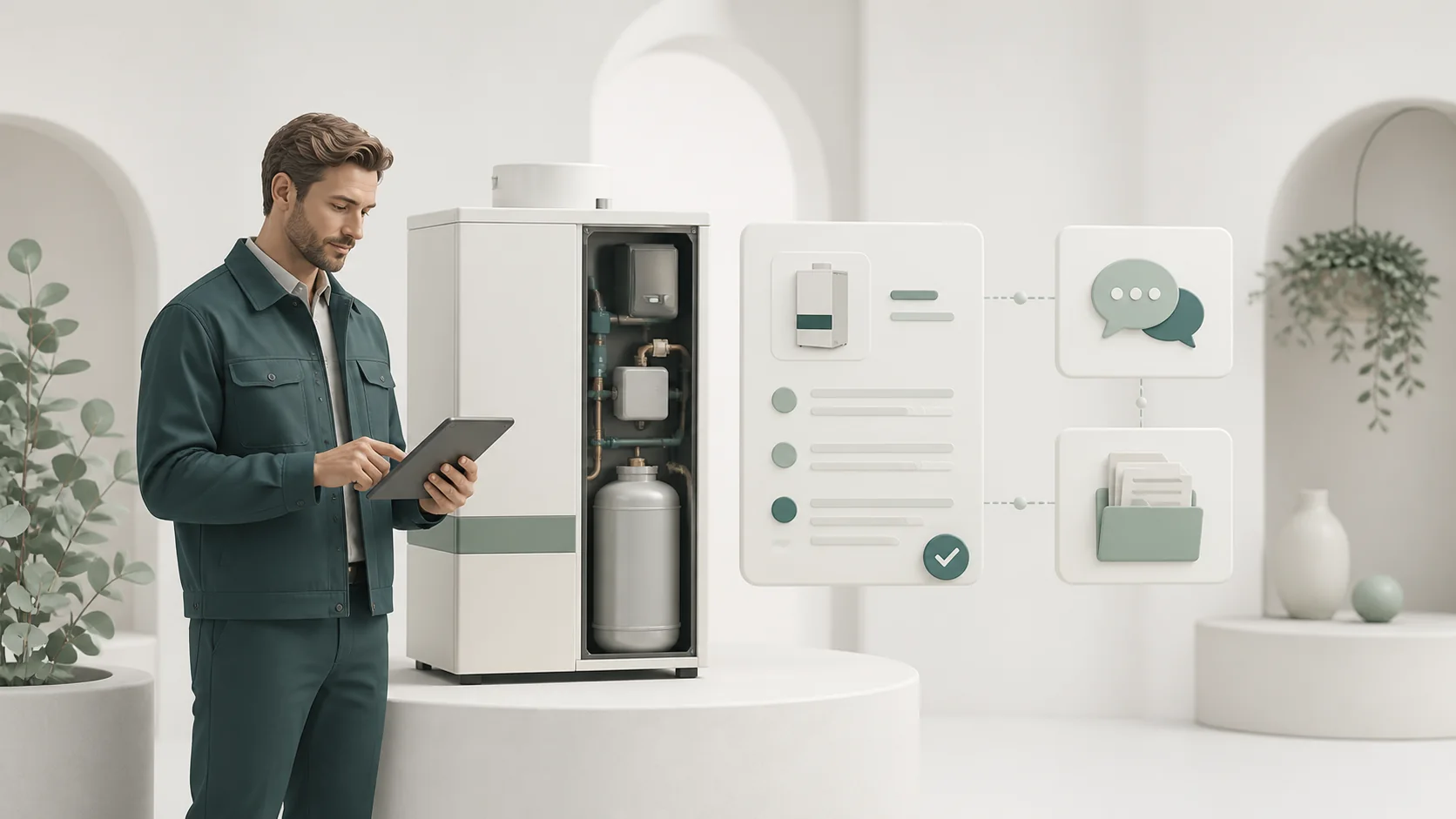
Choose the shortest path
Help before, during and after the trial.
Use the public resources immediately or send a structured request when the answer depends on your account or a specific record.
Practical manual
Follow 20 task-oriented procedures for setup, equipment, requests, visits, evidence, maintenance, reports, billing and security.
Open the manual →02Your workspace
Return to the same browser-based PWA from a computer, tablet or phone. Installed access and browser access use the same records.
Open EquipSpan →03Trust and data
Review workspace separation, permissions, private evidence, exports, encrypted backups, billing separation and legal boundaries.
Review trust →A useful support request
Describe the record and the action, not just the symptom.
Include the EquipSpan account email, workspace name and the relevant customer, equipment, request, visit, maintenance or claim code. Explain what you were trying to do, what happened, when it occurred and which browser or device you were using.
For a technical issue
- Copy the stable record code shown in EquipSpan.
- Describe the action immediately before the problem occurred.
- Include the exact message displayed, if any.
- Say whether the issue also occurs on another device.
- Add a screenshot only if it contains no unnecessary customer data.
For billing
Include the account email and Paddle transaction or invoice reference when available. Never send full payment card details.
Support form
Tell us how we can help.
This form keeps your reply address separate from the EquipSpan account email and assigns a clear topic to your request.
Provide the practical context requested here, but never send a password, private access link or full payment card details.
Install EquipSpan
Open EquipSpan on the web or install it for Windows or Android.
Your workspace stays the same across supported access points, so customer sites, installed equipment, service requests, visits, evidence, maintenance and next actions remain in sync.
- Web app
Use EquipSpan in your browser
Access the equipment workspace from a computer, tablet or phone without installing anything.Open web app - Windows
Install from Microsoft Store
Add EquipSpan to Windows from Microsoft Store and open it from the Start menu.Open Microsoft Store ↗ - Android
Install from Google Play
Use EquipSpan on Android phones, tablets and compatible ChromeOS devices.Open Google Play ↗
Support questions
Before you send the form.
These boundaries protect both the workspace and the person asking for help.
Do I need an EquipSpan account to contact support?
No. You can use the support form without signing in. If your question concerns an existing workspace, include the account email and workspace name so the support team can locate the relevant account.
What should I include in a technical support request?
Include the record code, what you were trying to do, what happened, the approximate time of the issue and the browser or device you were using. A screenshot can help, provided it does not reveal unnecessary customer information.
Should I send my password or a secure customer link?
No. EquipSpan support will never need your password, password-reset token, invitation link or readable customer-request link. Do not include full payment card details or unnecessary private documents in the form.
Can support help with billing, privacy or deletion requests?
Yes. Select the relevant topic in the form. Paddle handles card-payment disputes and transaction-status enquiries, while EquipSpan support can help identify the workspace and provide product-specific assistance.
Free resources
Choose the file that matches your next task
Use a ready-made register, maintenance log, service record or supplier claim tracker to organise the work before your next visit.