Product scope

A shared operational record for equipment your team still supports.

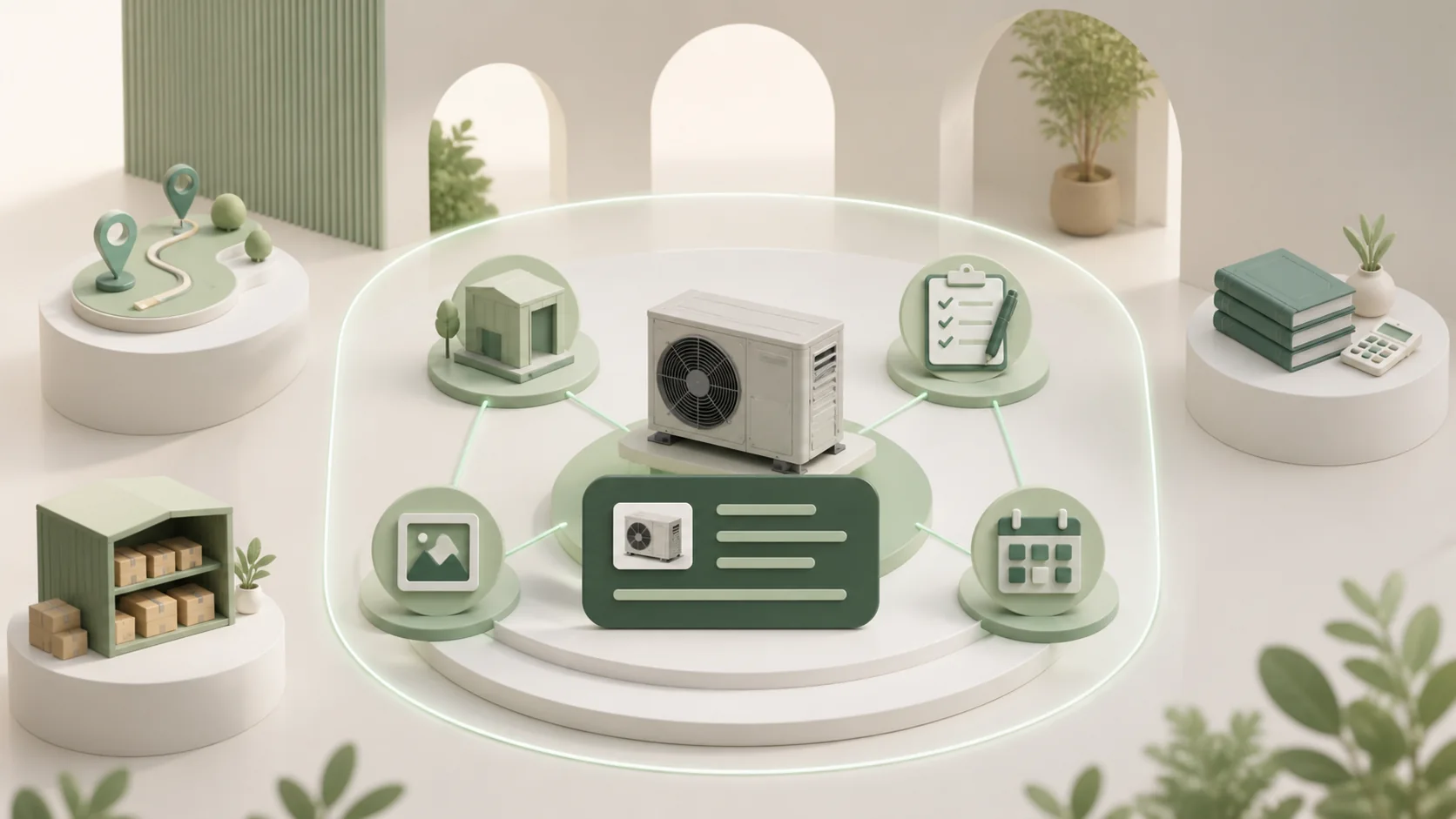
EquipSpan starts with the installed unit and keeps its context alive before, during and after each service event.

  • No card required
  • All features included
  • Guided sample data available
Equipment-first record linked to service work while accounting, routing and inventory remain separate

EquipSpan 1.2

Prepare the work. Keep the follow-up moving.

Office decisions, field work and the equipment history stay connected, including the tasks that remain after a visit ends.

Continue on downloaded visits without a connection

Download assigned visits before travelling. Save work on the device, then synchronise when connected and review any conflicts. Downloaded copies and local drafts last seven days; signing out or clearing browser data removes them. Check pending work before doing either.

See the procedure in the manual →

Give the office a clear next step

Review the day’s work, personal in-app alerts, completed reports and outstanding parts. Check visits, blocking parts and commercial follow-up before closing a request. Dismissing an alert does not complete the underlying task; operational alerts do not automatically send email or SMS.

See the procedure in the manual →

Let the customer respond with context

Use the equipment QR code for internal access and a separate, revocable link for customer issue reporting. Send a proposal response link and ask the customer to verify their email before accepting or declining. These links do not grant access to a full customer portal.

See the procedure in the manual →

Prepare the commercial handover

Assemble a supplier claim package with selected evidence and a file manifest. Review amounts, currency, tax and documents before handing work to an external billing system. The handover does not create a fiscal invoice, issue a credit or collect payment.

See the procedure in the manual →

The operational problem

The working flow is customer → site → unit → coverage → request → proposal → visit or remote treatment → evidence → claim or commercial follow-up → history → next action.

How EquipSpan helps

Before a service request

Know the site, installed equipment, serial, documents, coverage record and previous work.

During the work

Connect the request, decision, visit, photographs, notes, parts and outcome.

After the work

Keep customer billing, supplier claims, recovery and the next action visible until the case is genuinely complete.

Start without a lengthy implementation

Create a workspace, choose your regional defaults and either load the removable sample data or begin with a real customer. If you already have a customer list, you can import it from a practical CSV. Add locations, equipment, components and operational history as they become useful.
Continue the research

Related equipment workflows

Explore the connected record, workflow or practical starting point that best matches the problem you are solving.

Does this fit your operation?

Try EquipSpan with your own installed base.

The complete 21-day trial requires no card. Load the removable sample data or begin with one real customer, location and installed unit.